ERA Takeback Posted Incorrectly
When an ERA Takeback does not post or posts incorrectly, typically, it can be fixed by using Post as Remitted for the Claim Action. However, there are times when the Takeback will need to be posted using the Manual Post button on the Manage Electronic Remittance Item screen.
Correct an Incorrectly Posted ERA Takeback
- Select the Remit number.

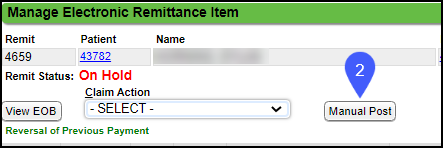
- On the Manage Electronic Remittance Item page, select Manual Post.
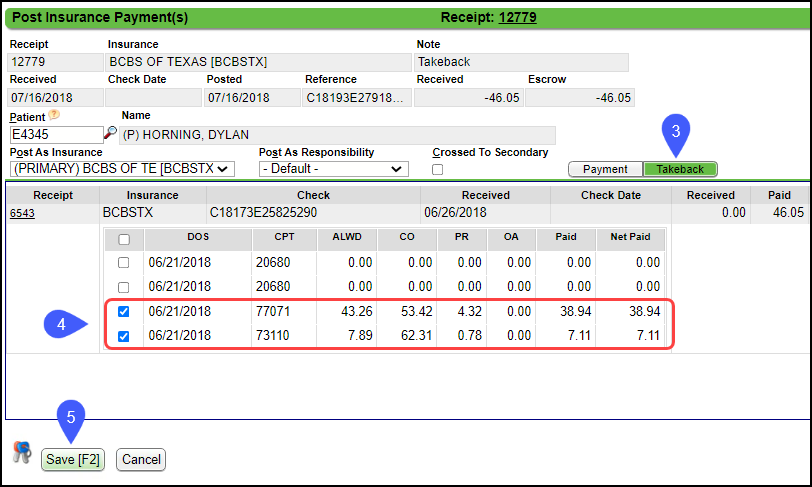
- On the Post Insurance Payment(s) pop-up, select Takeback.
- Check the boxes for the items on the Takeback.
- Select Save [F2].